
Wise County Warrant Portal Choice
Select Wise/Norton General District Court before entering a name or number. The GDC portal is not an all-courts county search by default, so a neighboring court selection can produce a blank or unrelated result. It covers adult GDC case information for traffic, misdemeanors, local ordinance matters, and preliminary hearings.
The official landing page shows the court search entry point. Use it to find your own case, then call the GDC clerk if the question is whether a capias or warrant remains in force.
The Virginia GDC portal is the official starting interface for the Wise/Norton selection.
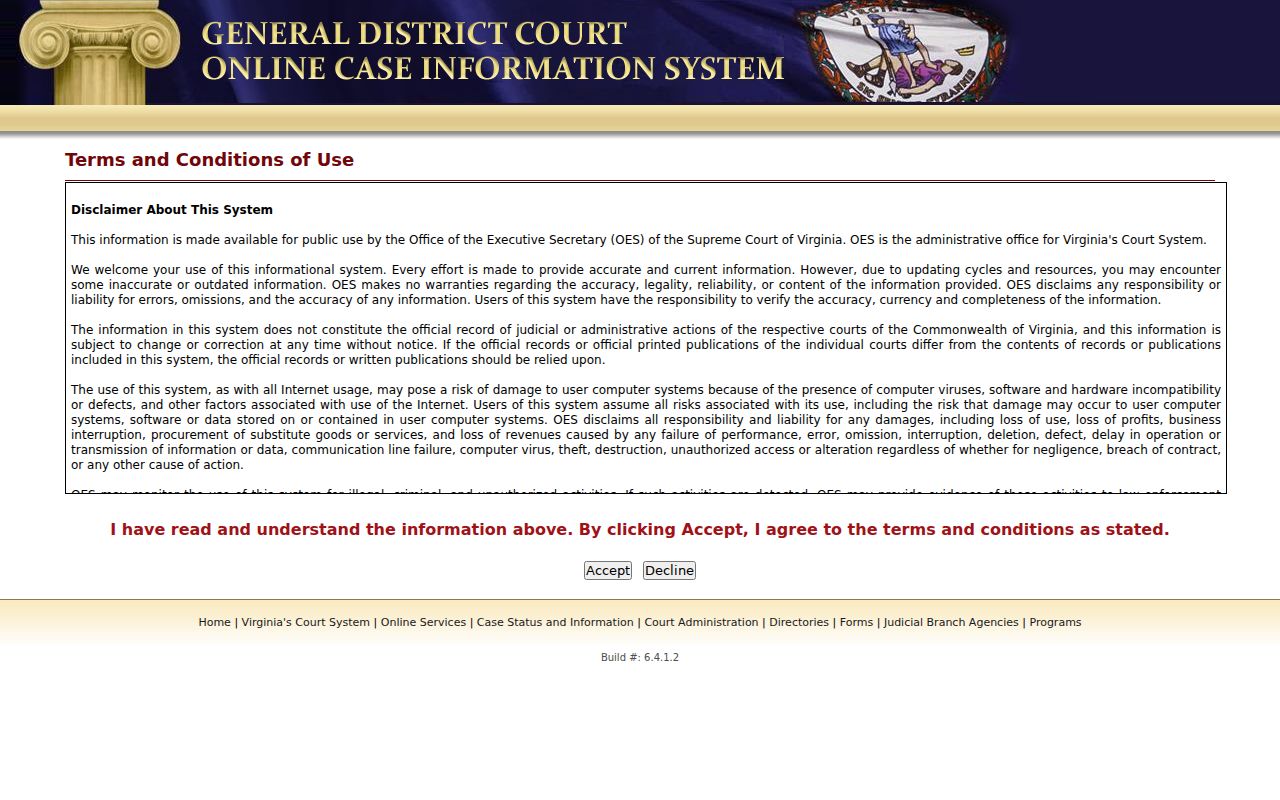
The screen is a case-search tool, not a public live warrant list.
Searching for a Warrant in Wise County
Start with the court and case number on a summons, ticket, or clerk paper. If there is no paper, search your own legal name in the Wise/Norton GDC portal, then check Virginia Online Case Information for broader adult case information. The Wise County Sheriff did not publish a public active-warrant roster or a dedicated warrant line in the sources reviewed.
Record the court, case number, charge, code section, hearing date, and any service/process entry. Call the clerk for the matching court to ask what process is current. The Sheriff at 276-328-3566 can route a service question; dispatch at 276-328-3756 is the non-emergency number. Use 911 only for emergencies.
- Choose Wise/Norton GDC, then search by the name on your court paper, case number, hearing date, or service/process entry.
- Try Current, Archived, or All as needed; the filter does not tell you that process was recalled.
- Use OCIS for statewide adult case information, while remembering it is not a warrant database.
- Call GDC at 276-328-3426, Circuit at 276-328-6111, JDR at 276-328-4486, or the magistrate at 276-328-8947 as the case requires.
- Use FOIA for an existing policy or aggregate record, and ask the issuing clerk or counsel about your own confirmed process.
Wise County Warrant Name Search
The GDC name form requires a last name; first name, middle initial, and suffix are optional. Help instructions allow a wildcard in the documented format after the minimum characters. Search the spelling on your own paperwork first. A partial match can help with a typo, but it cannot settle identity or current warrant status.
The service/process route is closer to a warrant-related entry than a general name search, yet it still does not promise complete or current coverage. If the case does not appear, check the selected court and status filter before calling the clerk.
The GDC help page explains the name fields, wildcard behavior, and result controls.
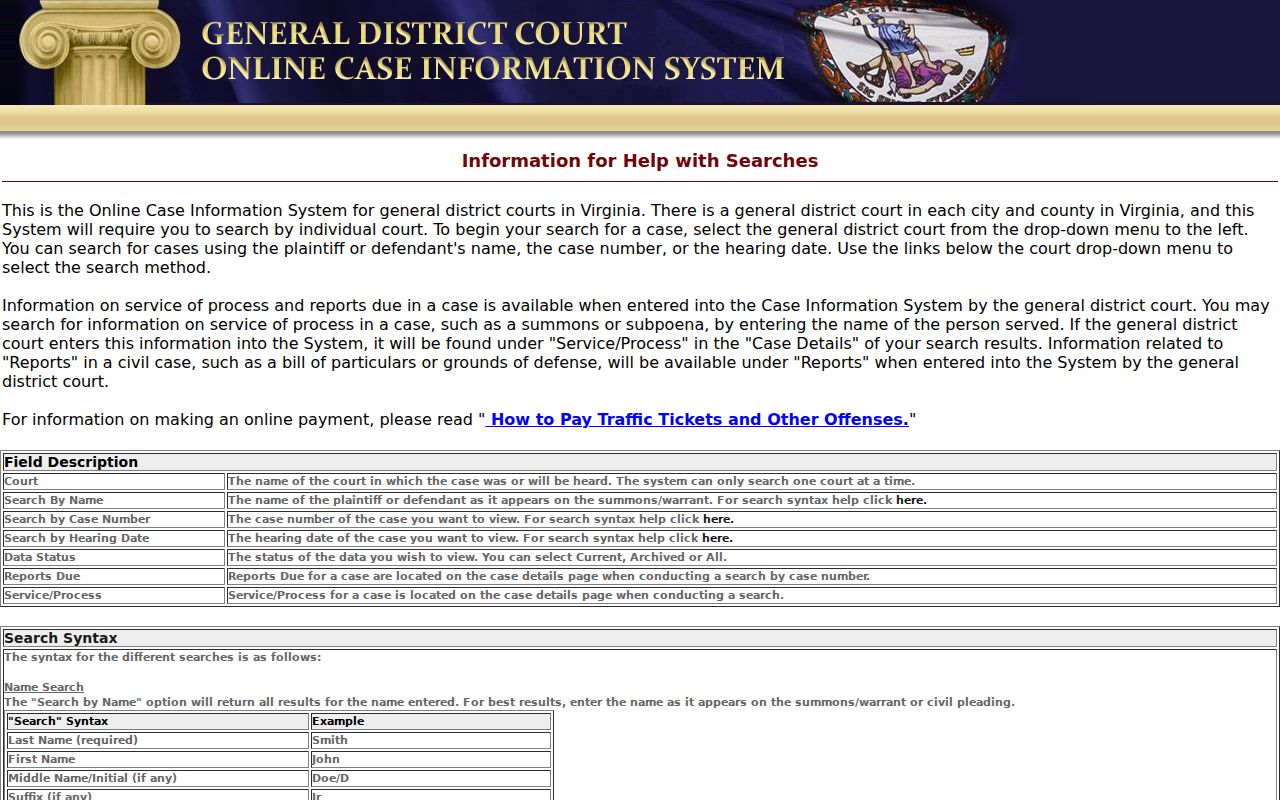
The visible fields help identify a case without exposing a private person's live record.
Warrant Search Fields Explained
Wise County uses the standard Virginia GDC form for the local adult docket. Choose the court first, then select the field that matches what you have. A case number from the paper is usually more exact than a name, and the hearing-date format is month/day/year.
| Field Label | Type | Required | Notes |
|---|---|---|---|
| Court | Selection | Yes | Choose Wise/Norton GDC for the local adult docket. |
| Name | Text | Last name required | First, middle/initial, suffix optional; wildcard rules are in help. |
| Case number | Text | For this route | GDC help examples include GT traffic, GC criminal, and GV civil formats. |
| Hearing date | Date | For this route | Enter MM/DD/YYYY to locate a docketed case. |
| Service/process | Name fields | Last name required | May show an entered return; it is not a live active-warrant flag. |
Wise County Warrant Search Filters
Current, Archived, and All control which data-status records the GDC interface returns. Archived is not a synonym for cleared, and a newer recall may not appear in every connected system at once. The search tools do not provide a Wise-specific warrant-number format or a local active-list update schedule.
A wrong court, an old spelling, confidential information, or a record not yet entered can all affect what appears. Keep the case number and court name together and ask the clerk about a result that looks incomplete.
The portal's OCIS help lists the statewide case-result fields and its required disclaimer step.
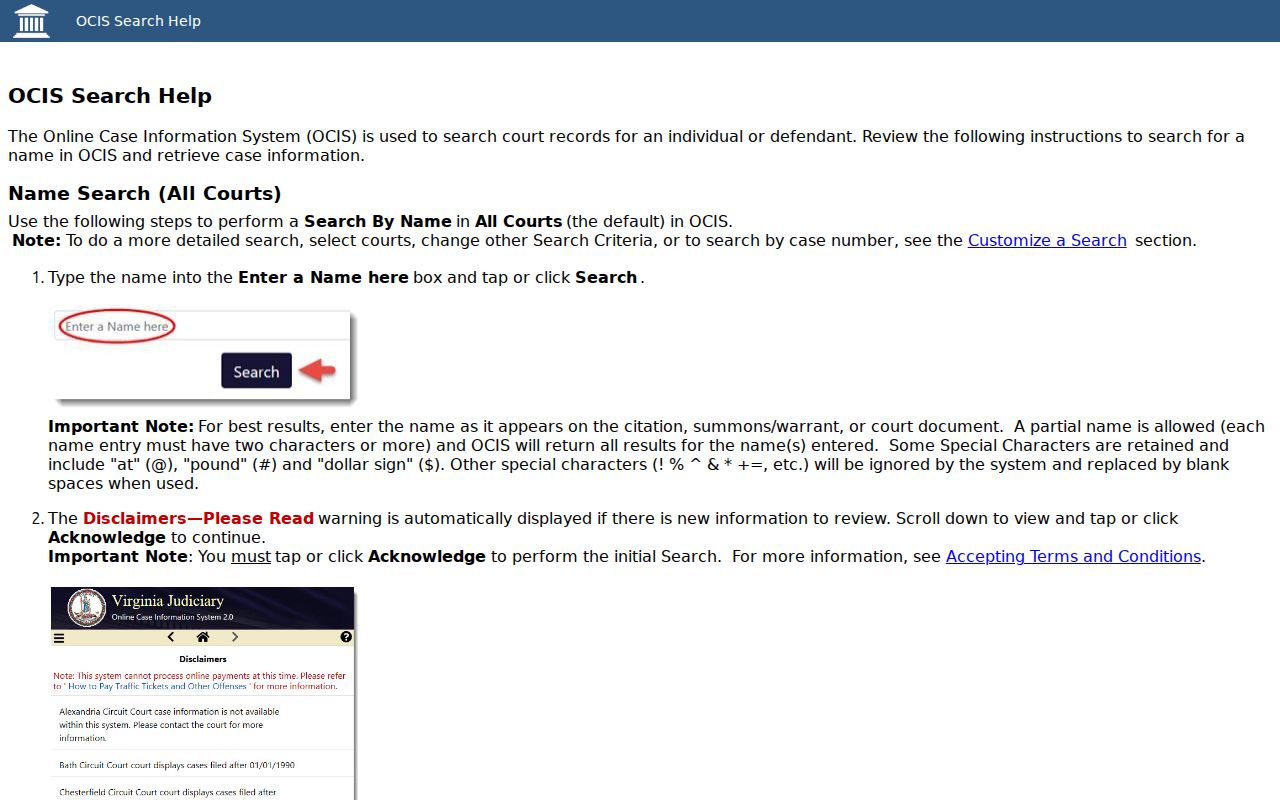
OCIS is a case-information view and does not certify active process.
What a Warrant Search Shows
A portal result may show the court, case number, defendant field, offense date, hearing date, charge, and code section. Case details can include hearing, disposition, and service/process categories. Wise County did not expose a warrant-status field in the inspected public search. Read the result as a route to the court file, then ask the clerk whether a capias, summons, or warrant is current.
| Case number | GT / GC / GV examples identify traffic, criminal, and civil case groups. |
|---|---|
| Charge and code | The offense text and code section identify the matter for the clerk. |
| Court and date | Use the court name and hearing date to route the question. |
| Service/process | An entered service or return event may appear; absence does not prove no warrant. |
| Disposition | A case outcome does not necessarily show the current process status. |
JDR Warrant Search Limits in Wise County
Juvenile and domestic-relations files do not follow the same public online path as ordinary adult GDC cases. Virginia Self-Help says JDR case information is not online. Call the Wise JDR clerk at 276-328-4486 about the protected procedure that applies, and do not treat a blank public portal as proof about a JDR matter.
For Circuit criminal files, contact the Circuit Clerk. For initial process and bail questions, the magistrate is a different office. A city police contact can address an incident or service question, but it does not replace the clerk holding the court record.
Virginia's case-finding page directs JDR inquiries to the clerk.
Where to Check Warrants in Wise County
Wise/Norton GDC holds local traffic, misdemeanor, and ordinance files; Circuit handles felony criminal matters and related filings; JDR has a protected online-access boundary. The Sheriff's Office executes and serves process, while city police remain local incident and enforcement contacts. There is no public, dedicated Virginia warrant database.
OCIS can help find adult cases statewide, but a search result is not a wanted-status check. Call the issuing clerk for court confirmation. Ask the Sheriff for service direction, and use the magistrate for initial process or bail routing.
Wise County Warrant Records Requests
The Wise County FOIA page accepts requests by mail, fax, email, telephone, or in person. Ask for a record that already exists, such as a policy, blank form, or aggregate report, and name an office and date range. The county states a five-working-day response period; charges can apply, and an estimate may be requested.
FOIA is not a special warrant-status form. The Sheriff page points record requests to its public form, while the Circuit, GDC, and JDR clerks answer court-file questions. A denial should identify the exemption used; the statute also describes appeal paths.
Restricted Warrants and Access Rules
Public access depends on record type. Sealed or expunged files, ongoing investigative material, and juvenile records may be withheld or limited. Search-warrant affidavits follow separate timing rules under Virginia Code section 19.2-54; that framework does not create a public arrest-warrant list.
Key Rules:
Virginia Code § 2.2-3706.1 allows limits on investigative files and protected material.
Virginia Code § 16.1-301 restricts public access to juvenile law-enforcement records.
A blank search is not proof that no process exists; confirm with the issuing court or appropriate law-enforcement office.